2. Download and Installation
The Beken RF Test System includes: the RF Tester board and the BekenRFTest software tool. The RF Tester board can be purchased on Taobao, and the software tool can be downloaded from the Beken official website.
2.1. Purchase the RF Tester
RF Tester board purchase link: https://www.digikey.com/en/products/detail/riselink-technologies-inc/BK7258-RF-Integrated-Test-Instrument/29177057
2.2. Software Download
2.3. Extract and Run
After downloading, extract the archive. The extracted files are shown in the figure below:
case_config: Custom configuration files for test cases, allowing addition/removal of test cases (see the Test Configuration page for details)
doc: Documentation directory for this system
log: Directory for logs generated during testing
BekenRFTest.exe: The executable file of the tool, double-click to run
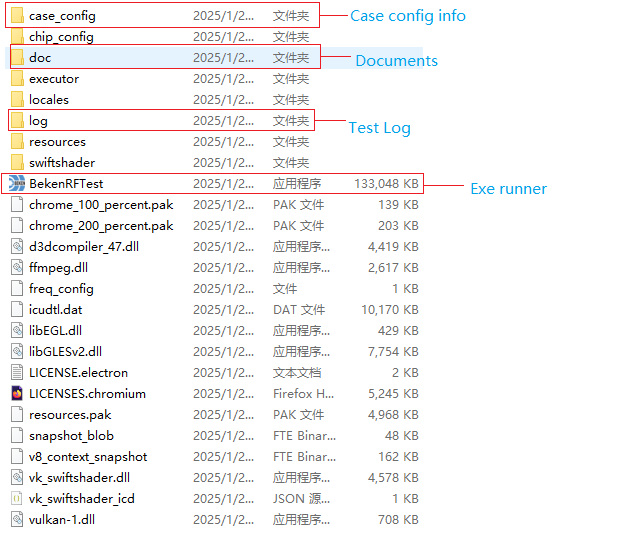
BekenRFTest tool file list